

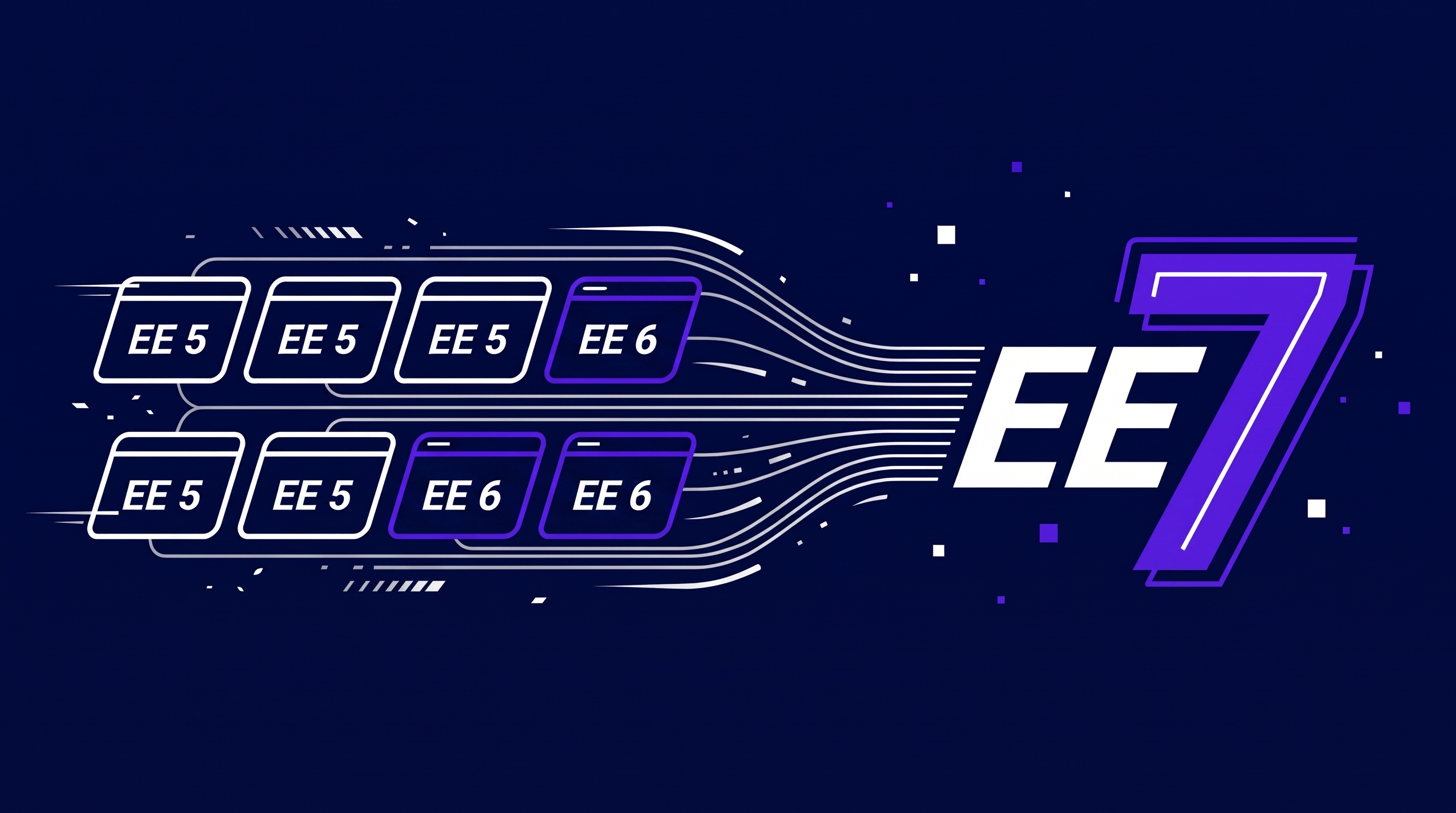
A few weeks ago we upgraded eight ExpressionEngine sites to EE 7. Five were running EE 5. Three were on EE 6. The final pass, including go-live for every one of them, took two hours.
Total. Not per site.
For context, EE 5 came out in November 2018 and stopped getting security fixes at the end of 2021. EE 6 arrived in December 2020. The three EE 6 sites were on releases from 2021 and 2022. So the oldest of these sites jumped across eight years of ExpressionEngine releases in one sitting, and none of the eight was running anything newer than May 2022.
We're not sharing that to show off. We're sharing it because a lot of owners of older EE sites put the upgrade off, expecting a rebuild-sized project. With ExpressionEngine, and with a developer who does these regularly, it usually isn't one.
How long does an ExpressionEngine upgrade take?
For a site without a lot of custom code, less time than most people budget for.
Here's how the time broke down across those eight sites. The first pass, where we upgraded a copy of each site and went looking for problems, took somewhere between one and two hours for the whole group. The second pass was the real thing: upgrade a fresh copy, check it, put it live. Two hours for all eight, or about fifteen minutes a site.
So three to four hours of hands-on work to move eight sites up one or two major versions.
These weren't complicated sites, and we want to be straight about that. Brochure-style builds, a handful of add-ons each. Most of them ran Freeform and a couple ran Calendar, which matters, and we'll come back to it. No stores, no member systems with years of custom logic bolted on. A site like that is the best case. It's also what a lot of EE sites look like.
Can you go straight from EE 5 to EE 7?
Yes. You don't have to stop at 6 on the way.
This surprises people, especially anyone who's lived through a major version jump on another platform. ExpressionEngine's updater walks through every version step in order on its own, so the work for us is the same whether a site starts on 5 or 6. Packet Tide, the company behind EE, has said plainly that you can upgrade directly from versions 2 through 7 without stopping at each major release. The official update docs describe the same process for every starting point.
Why do the upgrade twice?
Because the first pass is where you find out what you don't know, and you want that to happen somewhere nobody is watching.
Pass one happens on a copy. Take the database and files, run the upgrade, update the add-ons, then click through everything: forms, listing pages, search, the control panel screens editors use every day. Write down every fix. By the end you have a short, specific list for each site instead of a vague worry.
Pass two is that list, executed. Fresh copy of production so no content is lost, same steps, same fixes, quick check, go live. No discovery left to do, which is why it's fast. It's also why it's calm. Your visitors never see the messy part.
The short version: eight sites, five on EE 5 and three on EE 6, all moved to EE 7. One to two hours to rehearse. Two hours to go live. The rehearsal is what makes the go-live boring, and boring is the goal.
What about add-ons like Freeform and Calendar?
This is where upgrades get won or lost. ExpressionEngine itself is rarely the hard part. The add-ons are.
In our experience, Freeform and Calendar are the two that cause the most trouble on older sites. Both are good add-ons from Solspace and both run on EE 7. The catch is how you get an old install there.
Take Freeform. The version most older sites run isn't updated in place. The current Freeform is a separate add-on that gets installed next to the old one, and a migration utility copies your forms across. It has to happen in a particular order, on particular versions, before the old one is removed. And the utility doesn't bring everything. The email that goes to the person who filled in the form isn't migrated at all and has to be rebuilt. Notification templates need checking by hand. Miss either and you get a form that looks perfect and emails nobody. That can sit broken for a month before anyone asks why the leads dried up.
Calendar has its own version of this. Moving a site off the oldest Calendar release means a one-time migration that Solspace no longer officially supports. It drops time zones, simplifies some repeating-event rules, and loses one-off edits to individual dates. Do it carelessly and events quietly go missing.
None of this is hidden. It's all in the documentation. It's just a lot of steps in a specific order, and the failures are silent. So on any site running either one, that's where we look first and test hardest. Every form gets a real submission and we confirm the email arrives. Calendars get compared against the live site, event by event where it matters.
If your site runs Freeform or Calendar, that's no reason to put the upgrade off. It's a reason to hand it to someone who has done these migrations before and knows where they bite.
The add-on that really hurts is the one from 2014 whose developer moved on. Before we quote any upgrade, the first thing we do is list every installed add-on and look up whether a current version exists. That list predicts the timeline better than the EE version number does.
What makes an ExpressionEngine upgrade slow?
Plenty of upgrades take longer than fifteen minutes a site. When they do, it's almost always one of these:
- Abandoned add-ons. No EE 7 version means finding a replacement or rewriting the feature.
- PHP in templates. Old PHP that ran quietly for years can throw errors on PHP 8.
- Custom add-ons written for one site by someone who's no longer around. They usually need a developer to read through them.
- CartThrob and other e-commerce. A store usually upgrades fine. It just takes longer to sign off, because checkout, payment, tax, shipping and order emails all need test orders run through them.
- Edited core files. Rare, but when someone has changed files inside the system folder, the upgrade overwrites those changes.
None of these make an upgrade impossible. They move it from an afternoon to a project. Different conversation, different budget, and much better to find out in a rehearsal than on launch day.
Why upgrade now instead of waiting?
What pushed this batch was PHP. After October's critical PHP security release, every site owner got a reminder that the PHP version underneath a site matters as much as the CMS on top of it. Older EE versions tend to sit on older PHP versions, and PHP 8.1 and earlier no longer get updates from the PHP project. Moving to EE 7 is what lets a site run on a PHP version that still gets patched.
There's a calendar reason too. Security fixes for EE 6 end December 31, 2026. EE 5 has been without them since the end of 2021.
And EE 8 is on the way. Packet Tide says they know of no breaking changes between 6 and 8 for sites running the normal way. Based on what we just saw going from 5 to 7, we believe them. A site on 7 today is one short step from 8 whenever you're ready.
Did AI help?
Yes, and we'd rather say so than let the two-hour number look like magic.
We leaned on Claude, Anthropic's AI model, to help run these upgrades, and where it stood out was testing. Checking an upgraded site means opening every page on the test copy and the live site side by side and looking for anything that changed. It's slow, dull work, and it's where a tired person misses things. AI doesn't get bored after 30 minutes of comparing the upgrade to live. It walks both sites and flags the differences. It's good at the control panel side too: creating a test entry, editing an existing one, confirming each saves and shows up where it should.
What it doesn't replace is knowing what to look for. Someone still has to know that a form needs a real submission and a real email at the other end, that a calendar full of repeating events needs a second look, and what "done" means for this particular site. The AI does the legwork. We decide what gets checked, and we sign off on the result.
So is an ExpressionEngine upgrade easy?
It can be. Two things made this batch easy, and neither was luck.
The first is ExpressionEngine. The EE team has kept upgrades simple across several major versions now, and that's a deliberate choice that doesn't get enough credit. Plenty of platforms turn a major version into a rebuild. This one doesn't.
The second is who does the work. Knowing which add-ons need care, rehearsing before go-live, testing every form before calling it done. None of that is exotic. It's what separates an upgrade you never notice from one you remember for the wrong reasons.
Is your site a fifteen-minute upgrade or a bigger project?
You can't tell from the version number. You can tell from the add-on list, the templates and the PHP version, and that's a quick look for someone who does this regularly.
If you're on EE 5 or EE 6, get in touch and we'll evaluate your site. We'll tell you what the upgrade involves and how long it should take, including when the answer is "this one's easy."
EEConf 2026 Recap: What We Learned About ExpressionEngine 8 (and Everything Else) in Toronto
Just back from Toronto after spending time with the people that love using ExpressionEngine and those that build it. EE 8 is faster, ships with no known breaking changes for normal sites, and was built with AI agents in mind. Our notes from every session, with the parts that matter for your site.
Read More
Google Just Gave Every Website an AI Opt-Out Switch. Should You Flip It?
Every Search Console account now has a toggle that pulls your site out of AI Overviews and AI Mode entirely. Most small businesses should leave it alone, and the AI performance report sitting next to it is the more useful half of the change.
Read More
When Your Shared Hosting Provider Upgrades PHP and Your ExpressionEngine Site Goes Down
Your shared hosting provider quietly bumped your PHP version and now your ExpressionEngine site is throwing errors. Here's how to diagnose what broke, what typically causes it, and what your options are.
Read MoreGet a free audit
We found ourselves needing an urgent ExpressionEngine update. Thanks to Josh and his efficient intervention we were only offline for a short period of time…